
Download SwiftGuard and Get Security on Standby
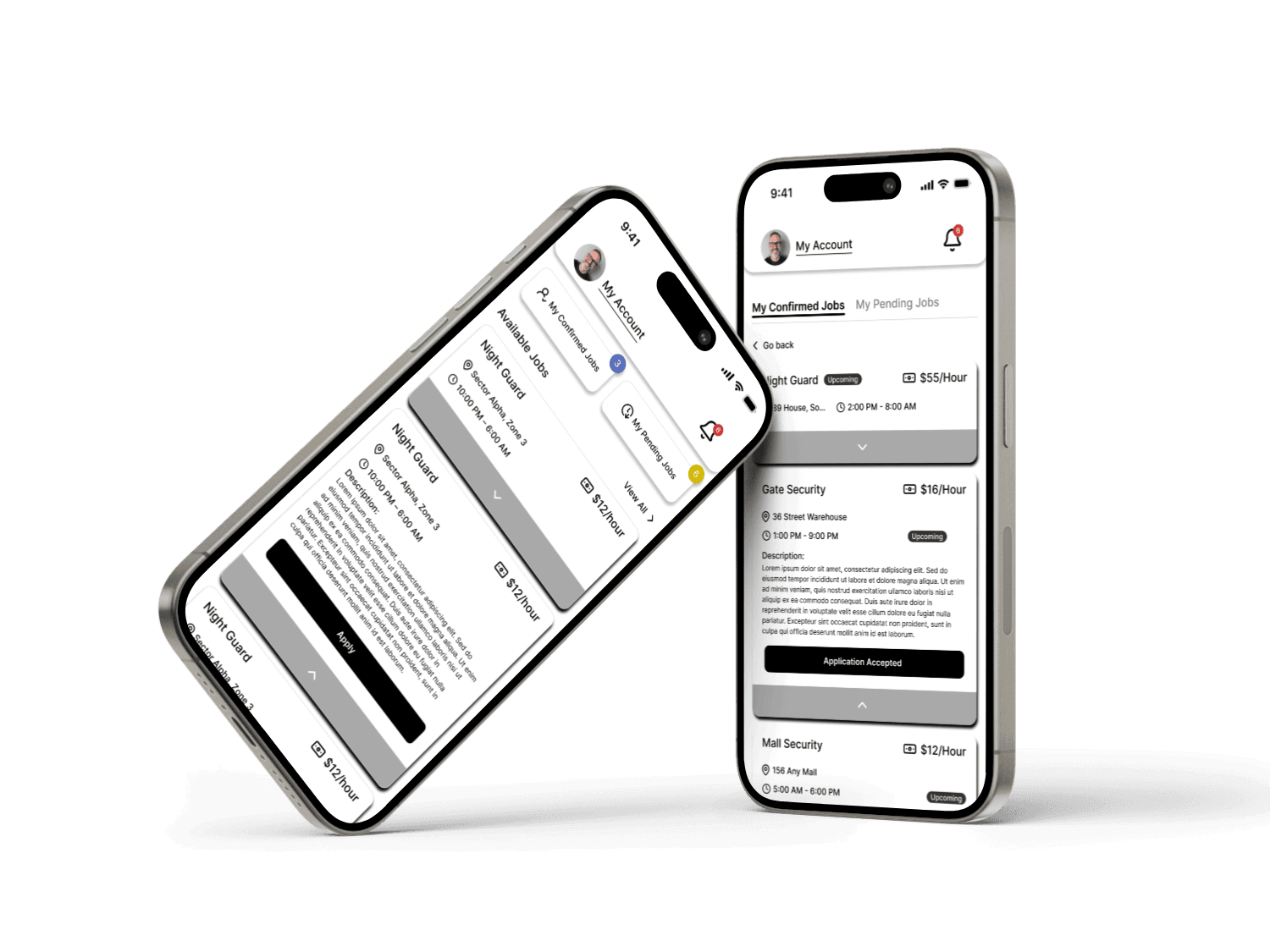
The SwiftGuard app connects professional guards with clients who need security. Accept jobs, navigate to locations, complete tasks, and get paid — all from your mobile device.
Easy to Install
Download in Just a Few Steps
Get the SwiftGuard app up and running in less than 2 minutes.
1. Open Your Store
Open Google Play Store or Apple App Store.
2. Search SwiftGuard
Type "SwiftGuard" in the search bar.
3. Download the App
Tap on "Install" and wait for the download.
4. Open & Get Started
Open the app, sign up or log in, and you're ready!
Scan to Download
Scan the QR code and get the app instantly on your device.
Everything You Need in One App
Find & Accept Jobs
Browse nearby jobs and accept ones that fit your schedule.
Navigate with Ease
Get in-app directions to reach the job location on time.
Track Job Progress
Check-in, update status, and complete jobs seamlessly.
Secure Payments
Get paid securely for every completed job.
Job History
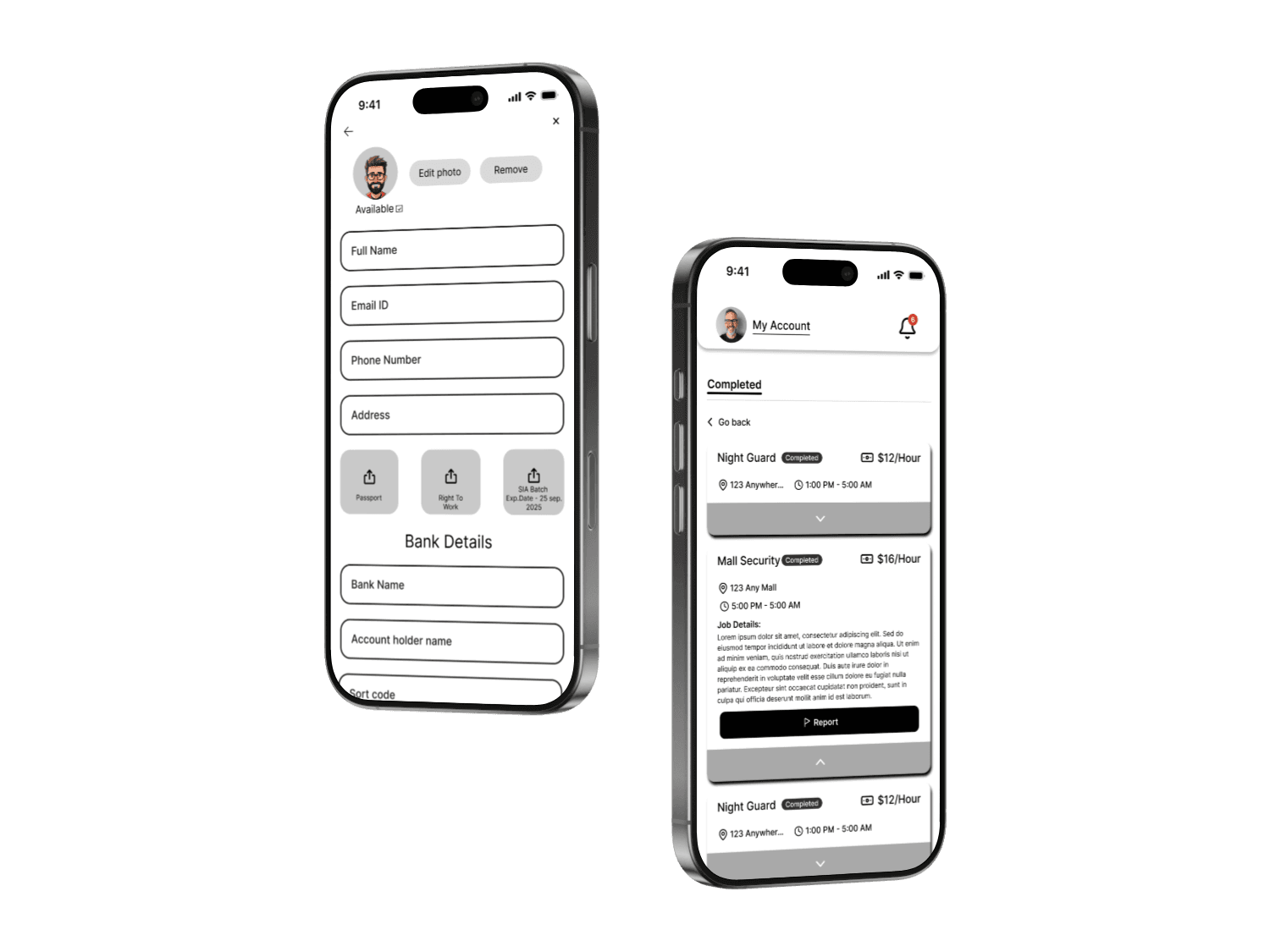
View your past jobs, earnings, and performance.
System Requirements